Code Tool
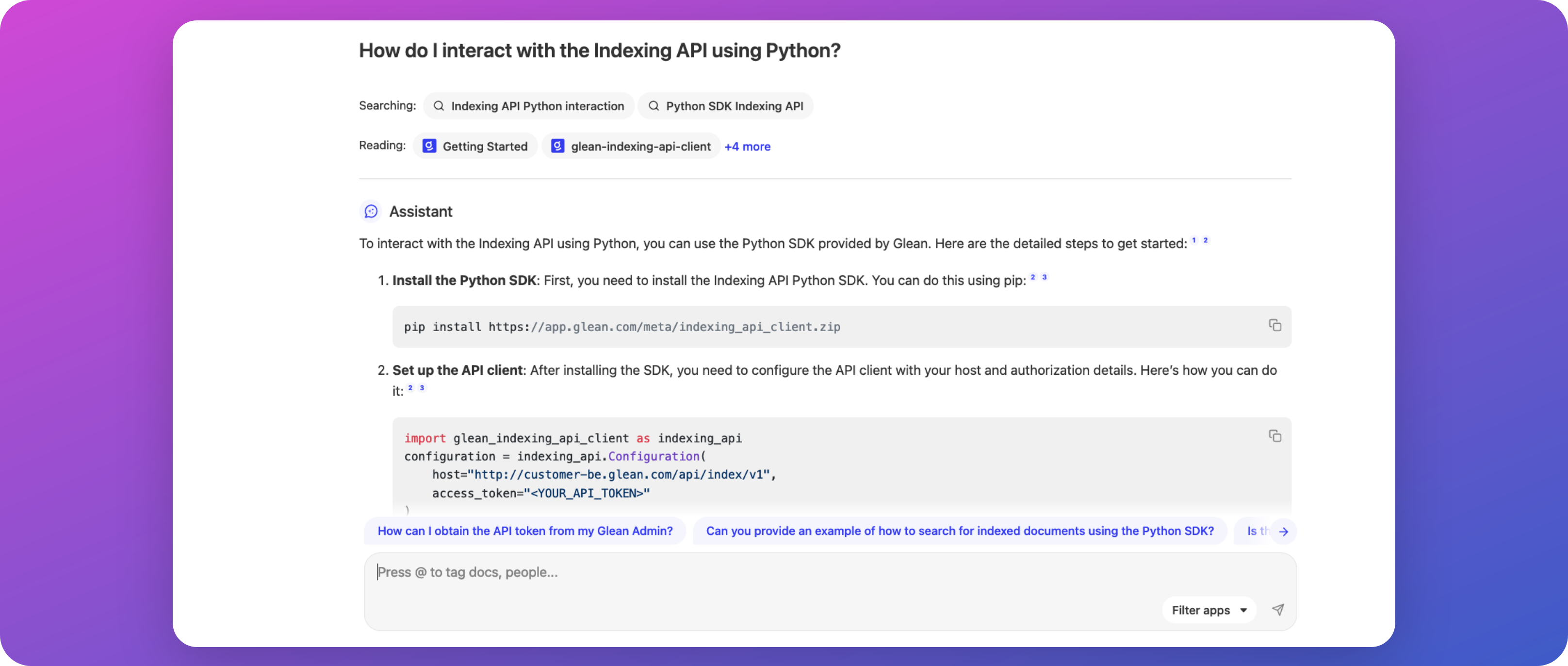
Glean Assistant can be enhanced to support code search and code generation functionalities for your development teams and engineers.
This guide provides administrators with the necessary steps to enable this functionality, ensuring that your development team can leverage Glean Assistant to its full potential for more efficient coding practices.
Overview
The Code Tool capability of Glean Assistant allows Glean to understand the context of your organization's code repositories to provide contextually relevant search results for your software engineers, and code suggestions that conform to organizational standards across all of your applications.
More information: Code Search & Generation using Glean Assistant.
Configuration
Typically, no explicit configuration is required as long as your Glean environment has Glean Assistant enabled, and GitHub/GitLab have been added as a datasource.
Requirements
- GitHub or GitLab has been connected to Glean as a datasource.
- GitHub/GitLab has been fully crawled and indexed (is in the "synchronized" state).
- Glean Assistant has been enabled.
-
One cycle of Machine Learning (ML) (1) has been completed since GitHub/GitLab was connected.
-
Glean executes several Machine Learning (ML) workflows on your search index each month. These workflows are responsible for:
- Understanding synonyms, acronyms, and semantics used in documents and between employees within your organization (this includes code comprehension and structure).
- Enhancing relevance rankings for search results and people suggestions.
- Enabling query suggestions, predictive text, and autocomplete.
- Training the unique language model for your organization; which is essential for operation of Glean Chat and Glean Assistant.
Contact Glean support or your Glean engineer if you need these workflows run outside of their usual schedule.
More information: About Machine Learning (ML)
-
Troubleshooting
If you've linked GitHub or GitLab with Glean and notice that Glean Assistant isn't conducting code searches or incorporating code in its responses, it's likely that the necessary machine learning workflows, which Glean periodically runs in the background, haven't been executed on your indexed code yet.
Please reach out to Glean's support team to request a manual run of these workflows outside of their regular schedule.
FAQ
Please refer to: Code Search & Generation using Glean Assistant.